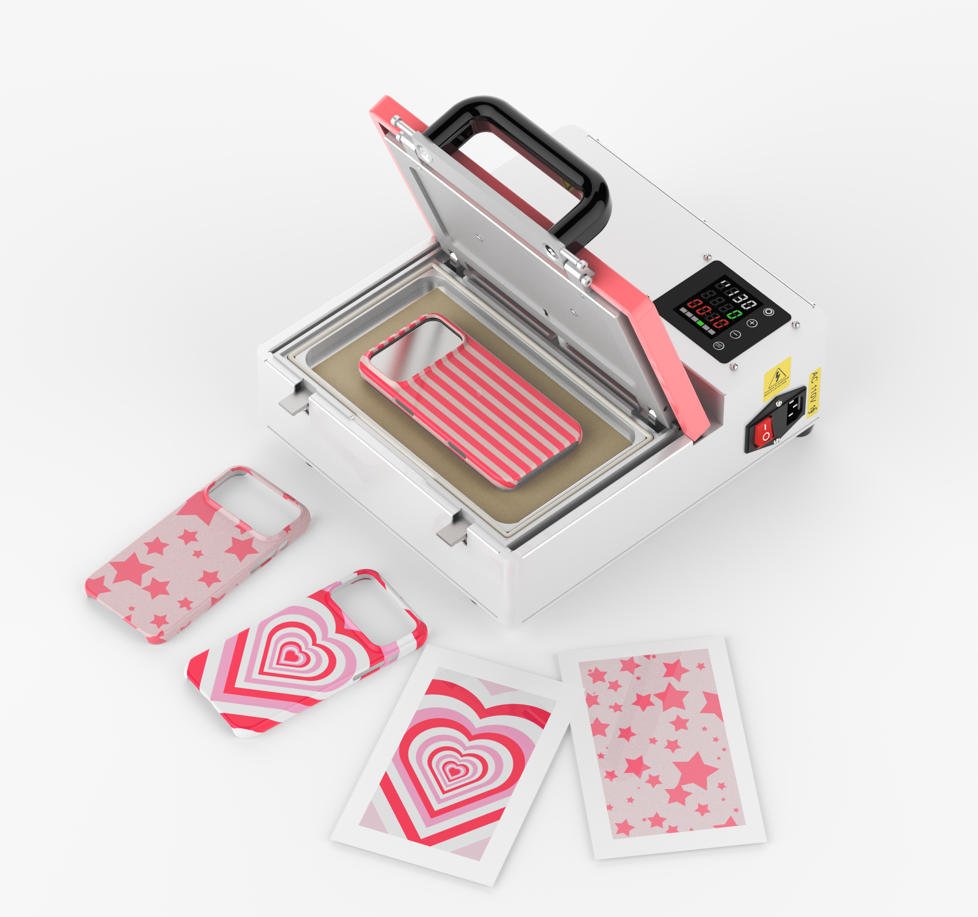
Sublimation printing is widely utilized in various customized production scenarios, thanks to its prominent advantages including high color reproduction fidelity, strong pattern adhesion, and excellent durability. However, the sublimation process imposes strict requirements on equipment, consumables, environment, and operations. Deviations in any link may result in inconsistent printing quality, which in turn undermines brand reputation.
To assist partners in accurately controlling the printing process, avoiding potential issues, and ensuring the optimal performance of supporting consumables and equipment, Dongguan Prosub has formulated this document, providing standardized guidance for efficient and high-quality production.
I. Equipment and Consumable Requirements
Equipment Specifications
Sublimation printing must be performed using inkjet printers paired with special sublimation ink. Mixing inks of different brands is strictly prohibited to prevent quality problems such as severe color deviation, blurred edges, and insufficient ink penetration.
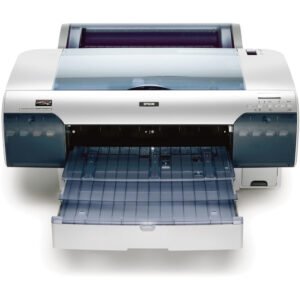
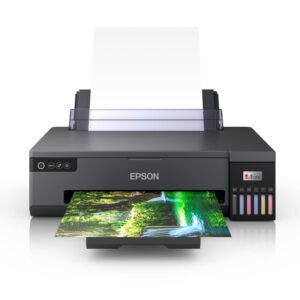
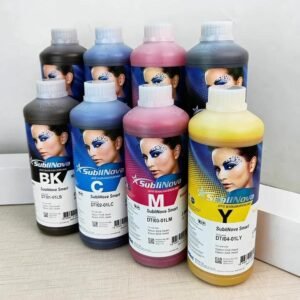
Consumable Operation
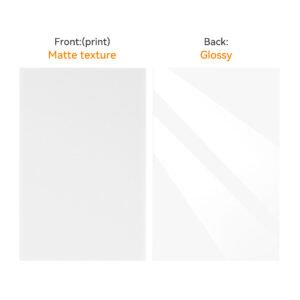
When printing with sublimation paper or sublimation transfer film, the frosted side of the material must be selected as the printing surface to ensure uniform adhesion of the printed pattern and meet the required transfer effect standards.
II. Environmental Control Standards
In the printing room, operators must strictly control environmental humidity. To avoid affecting printing quality and the stability of consumables, the environmental humidity should be maintained between 40% and 60%, and the temperature should be kept above 10℃.
III. Color Management and Printing Settings
ICC File Usage
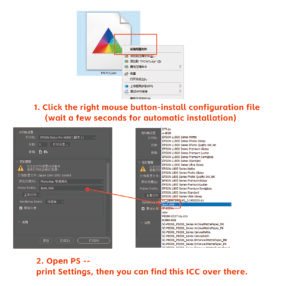
Before printing, install the ICC file provided by the ink brand that is compatible with the specific printer model (we can provide a tutorial on using ICC files). Note: ICC files are not currently supported on MacOS.
Color Setting Management
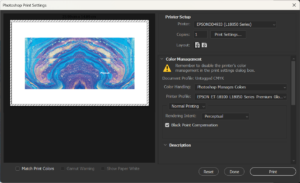
When printing with software such as Photoshop or AI, select the “Photoshop Manages Colors” mode and choose the corresponding installed ICC file from the list.
Printing Parameter Settings
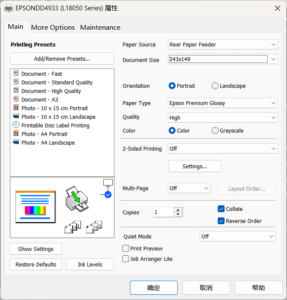
For the printing paper option, select “High-Quality Glossy Paper” to ensure that printing precision and color rendering effects meet the required standards.
IV. Special Consumable Operation Requirements
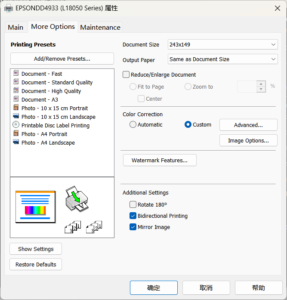
For specific printing consumables—such as mobile phone cases, laptop cases, and other products that require the pattern to be displayed on the front—the “Mirror Printing” function must be checked on the page to avoid incorrect pattern orientation after transfer.
V. Supplementary Notes
- Printing ink and ICC files must be strictly matched to the brand and printer model to prevent obvious color differences and inconsistent colors caused by incompatibility.
- Before printing, confirm that the surfaces of sublimation paper and sublimation transfer film are free of damage, stains, and wrinkles, ensuring the printing surface is clean and flat.
- Regular humidity monitoring should be conducted in the printing room to prevent printing consumables from absorbing moisture and ink fluidity from becoming abnormal.
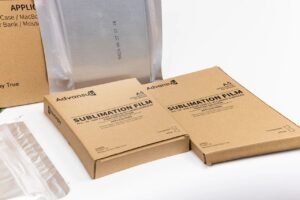
- We offer two types of sublimation film: white and transparent. However, Epson A3/A4 desktop printers are unable to recognize the transparent variant. For reliable printer detection and a smooth printing workflow, we recommend prioritizing the white sublimation film.